
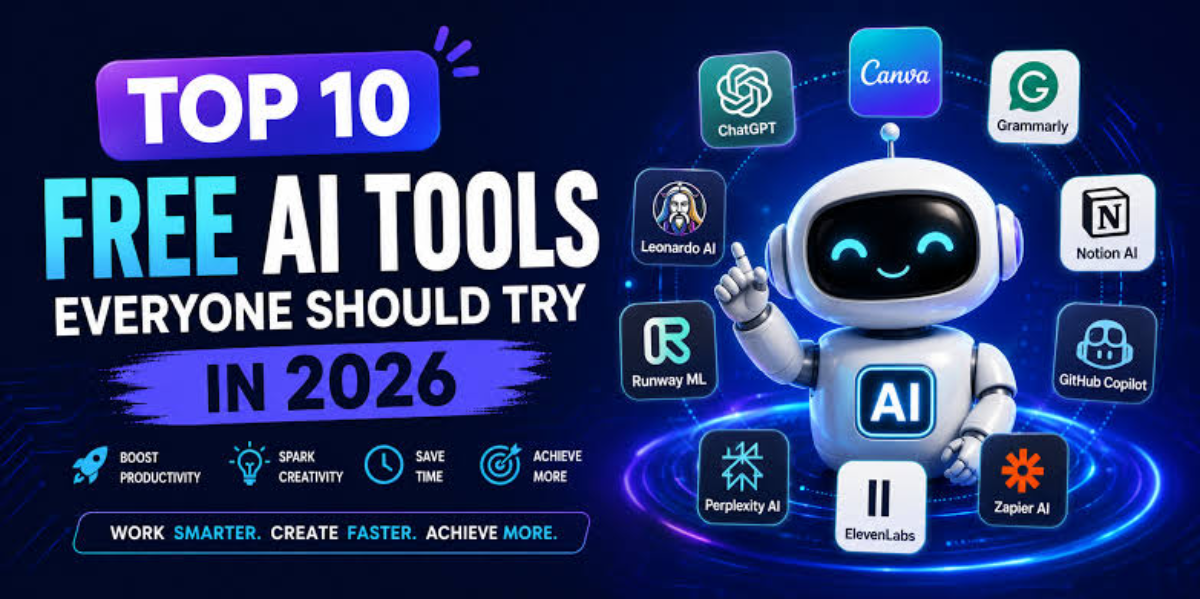

Subscription fatigue is real — between streaming services, cloud storage, and premium software suites, adding another monthly fee for an AI assistant can feel unjustifiable. The good news: free AI tools have become genuinely useful in 2026, not just watered-down trial versions. Here’s where to look depending on what you actually need to get done.
Best Free Chat Assistant for General Use
Claude, Anthropic’s AI assistant, offers a free tier that handles everyday writing, research, and reasoning tasks well, and tends to feel less robotic than many alternatives when it comes to creative writing and following detailed instructions. It’s a solid starting point for anyone who wants a capable general-purpose assistant without paying anything upfront.
ChatGPT remains a strong all-rounder too, particularly for generating boilerplate code, drafting emails, and brainstorming project ideas, with a free tier that covers most casual, everyday use cases.
Best Free Tool for Research and Documents
Google’s NotebookLM stands out as one of the strongest free tools for source-grounded research — you feed it your own documents, and it answers questions and summarizes content based specifically on what you gave it, rather than pulling from the open internet. It’s particularly useful for students, researchers, or anyone working through dense material.
Best Free Tool for Design and Visuals
Canva’s AI features, often referred to as Magic Studio, are consistently ranked among the best free design tools available, letting you create graphics, presentations, and social media visuals using text prompts and automated layout suggestions — no design experience required.
Best Free Tool for Google Workspace Users
If your daily workflow already runs through Gmail, Docs, and Sheets, Google’s Gemini is worth using specifically for that integration — it plugs directly into tools you’re likely already using every day, which makes the free tier immediately practical rather than something you have to build a new habit around.
What to Know About Free Tiers in General
Most free AI tools come with reasonable limits — usage caps, restricted exports, or reduced access to the most advanced models — which makes them ideal for testing, learning, and everyday tasks rather than continuous, high-volume production work. That’s a fair trade-off for $0, but it’s worth keeping in mind if you’re planning to rely on one tool heavily for professional work.
The Bottom Line
You don’t need to pick just one. Most people end up combining a few free tools based on the task at hand — a general chat assistant for everyday writing and questions, a research-focused tool for document-heavy work, and a design tool for visuals. Start with whichever gap in your workflow is costing you the most time, and build from there.